

A Restaurant Website Is Part of the Experience
Unlike many business websites, restaurant sites are rarely “just informational.” They help people decide where to go, what to expect, and whether a place feels right for the occasion. That decision usually happens quickly — often on a phone — and small friction points can quietly send someone elsewhere.
For higher-end restaurants and restaurant groups especially, the website needs to feel like a natural extension of the brand — not an afterthought. At the same time, menus change, hours shift, locations expand, and seasonal updates are constant. That creates a unique challenge: the site needs to be beautiful and easy to manage.
That’s where Webflow tends to shine.
Is Webflow a Good Platform for Restaurant Websites?
Short answer: yes — when it’s built properly.
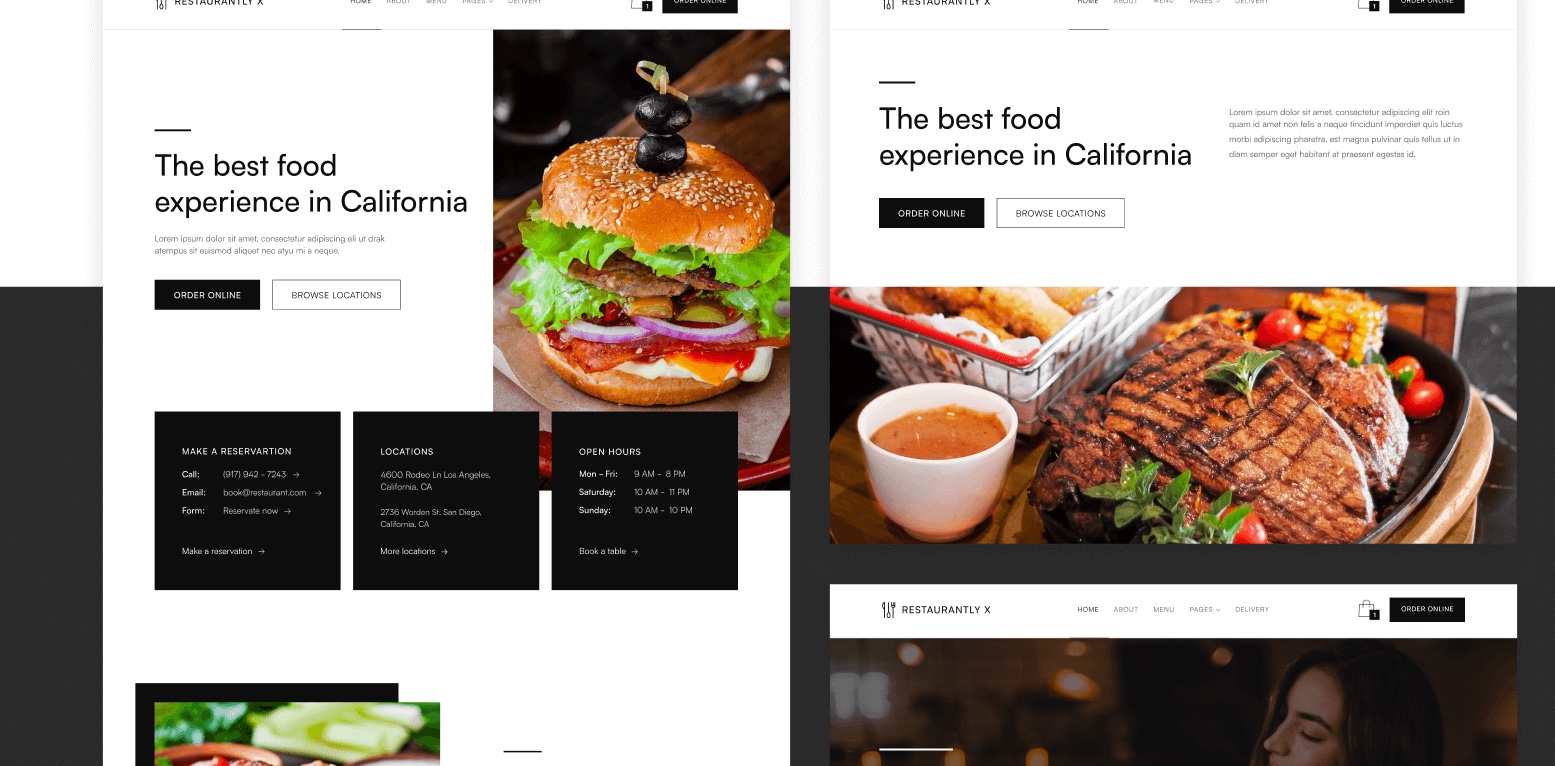
Webflow is particularly well-suited for restaurants because it combines high-end visual design with a powerful content management system (CMS). That means your site can look custom and considered, while still being flexible enough to update without a developer stepping in every time something changes.
For restaurants and restaurant groups, Webflow works well because it allows for:
- Fully custom branding and layouts
- Mobile-first performance (where most diners actually browse)
- Easy menu, hours, and location updates via CMS
- Clean SEO foundations out of the box
- Scalability for multiple locations or concepts
That flexibility is what makes Webflow a strong option for everything from independent restaurants to multi-location hospitality groups.
What Makes a Great Restaurant Website?
Before getting into platform specifics, it’s worth zooming out. Regardless of what your site is built on, the best restaurant websites tend to get a few fundamentals right.
1. Clear Information, Instantly
Guests shouldn’t have to hunt for the basics. At minimum, your site should make it immediately obvious:
- Where you’re located
- When you’re open
- What kind of food and experience you offer
- How to view the menu or make a reservation
This is especially important on mobile, where attention spans are short and patience is limited.
2. Visuals That Match the Dining Experience
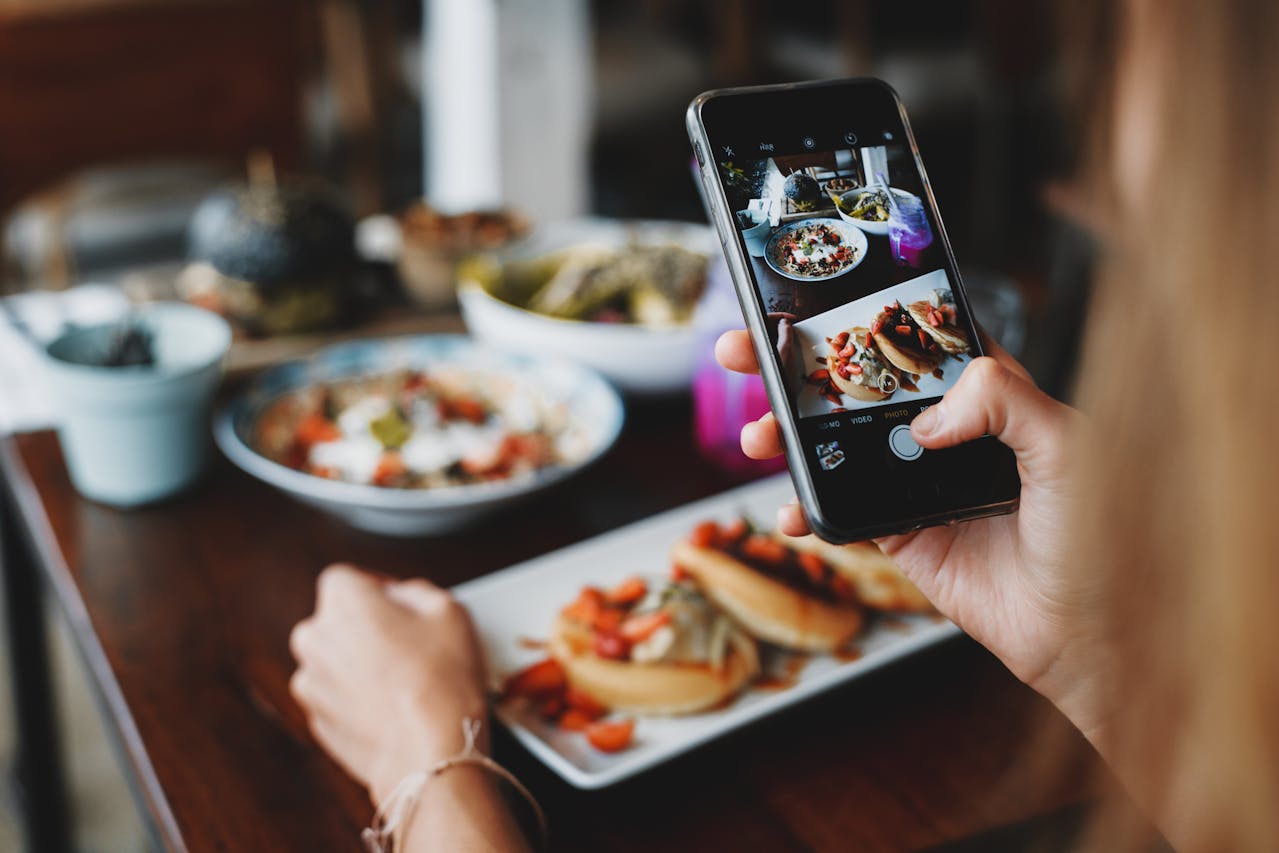
Your photography, typography, and layout should reflect the atmosphere of the restaurant. A fine-dining experience, a neighborhood café, and a fast-casual spot all communicate differently — and the website should match that tone.
Stock imagery, generic layouts, or cluttered pages can unintentionally cheapen the perception of an otherwise thoughtful space.
3. Fast Load Times (Especially on Mobile)
A slow site doesn’t just frustrate users — it costs you traffic. Many restaurant visitors are browsing on cellular connections, often quickly, often while on the go.
Performance matters more than people realize.
4. Easy-to-Update Content
Menus change. Seasonal items rotate. Special events come and go. If updating your website feels like a chore, it simply won’t happen — and outdated information creates a bad guest experience.
This is one of the biggest reasons restaurants outgrow DIY site builders or overly rigid platforms.
Why Webflow Works Well for Restaurants
Webflow checks a lot of boxes for restaurants because it balances design freedom with structure.
Custom Design Without Templates Showing Through
Webflow doesn’t force you into rigid themes. That allows restaurant websites to feel genuinely custom — which matters for brands that care about atmosphere and detail.
The end result is a site that looks intentional, not “picked from a menu.”
CMS-Driven Menus and Locations
Menus are a perfect use case for Webflow’s CMS. Instead of uploading PDFs or manually updating static pages, menus can be structured so items, descriptions, and prices are easy to adjust.
For restaurant groups, CMS collections also make it easier to manage:
- Multiple locations
- Different menus per location
- Events or seasonal offerings
All without duplicating work.
Strong SEO Foundations
Webflow generates clean, semantic code and gives you control over meta titles, descriptions, headings, and page structure. That makes it easier to build a restaurant website that actually shows up for searches like:
- “best restaurants near me”
- “fine dining in [city]”
- “restaurant group [location]”
SEO still requires strategy and content, but Webflow doesn’t get in the way.
Sidebar: We typically don't reccomend "SEO services" for restaurants (aka you they don't really need them). Check out our blog titled "Do I Really Need SEO?" to learn more
Performance and Hosting Built In
Webflow’s hosting is fast and reliable by default, which is a big plus for businesses that don’t want to think about servers, updates, or maintenance.
Best Practices for Webflow Restaurant Websites
If you’re building or redesigning a restaurant website in Webflow, here are a few best practices we consistently see make a difference.
Design Mobile-First
Most restaurant traffic comes from phones. Start there.
That means:
- Large, readable text
- Obvious calls to action (menu, reservations, directions)
- Touch-friendly navigation
- No oversized images slowing things down
Desktop still matters — but mobile deserves priority.
Treat the Menu as Content, Not a PDF
PDF menus are common, but they’re rarely ideal. They don’t index well for SEO, they’re harder to update, and they’re often frustrating on mobile.
Structured menu pages built with CMS are easier to maintain and far more user-friendly.
Keep the Navigation Simple
Restaurant sites don’t need complex navigation. In most cases, less is more.
A clear structure often looks something like:
- Menu
- Locations / Hours
- About
- Reservations
- Contact
If something doesn’t help a guest decide to visit, it probably doesn’t belong in the main nav.
Make Updates Easy for the Team
A good Webflow build should empower restaurant teams to make updates confidently — without worrying about breaking layouts or calling a developer for every small change.
That’s a design and setup choice, not just a platform feature.
Examples of Well-Designed Restaurant Websites
Some of the strongest restaurant websites share a few common traits:
- Clear hierarchy and whitespace – making it easy for guests to find menus, locations, and reservations
- Strong photography that feels authentic – visuals that reflect the restaurant’s atmosphere and brand
- Fast load times – no one wants to wait to check a menu on their phone
- Minimal distractions – the focus stays on the experience and the story of the restaurant
- A sense of confidence without over-explaining – letting the brand shine without clutter
You can see these principles in action in some of our recent projects:
- El Pez – a bold, vibrant site that captures the energy of the restaurant
- Cambie Malone’s – clean layout with structured content that’s easy to update
- Secret Foods – showcases products beautifully while staying flexible for seasonal updates
The best restaurant websites don’t try to do everything at once — they focus on clarity, tone, and usability, creating a seamless digital extension of the dining experience.
When Webflow Might Not Be the Right Fit
As we've covered before, Webflow isn’t always the answer.
If a restaurant only needs a one-page site with zero updates, or if budget and speed matter more than flexibility and brand, simpler tools may do the job.
That said, restaurants often outgrow those setups quickly — especially once updates, multiple locations, or brand consistency become important.
Final Thoughts
A restaurant website doesn’t need to shout to be effective. Like a great dining experience, it should feel intentional, welcoming, and easy to navigate — without calling attention to itself.
Webflow works well for restaurants because it supports that balance: thoughtful design, strong performance, and the flexibility to evolve as the business does.
When done right, your website becomes another part of the experience — not just a place to post a menu.

.jpg)


